
Deploying Local Zarf Packages
Introduction
In this tutorial, we are going to deploy the WordPress package onto your cluster using the package we created in the earlier create a package tutorial and the cluster we initialized in the initialize a k8s cluster tutorial. We will be leveraging that past work to go the extra step of deploying an application we packaged onto our cluster with the zarf package deploy command.
System Requirements
- You’ll need a machine that has access to a built-package and an initialized cluster.
Prerequisites
Prior to this tutorial you’ll want to have a built package and a working cluster with Zarf initialized.
- Zarf binary installed on your $PATH: (Installing Zarf)
- An initialized cluster
- The WordPress package created
Deploying the WordPress package
-
Use the
zarf package deploycommand to deploy the package you built in a the previous tutorial (see prerequisites). -
You will be presented with a chance to review the SBOMs for the package along with its definition followed by a series of prompts for each variable we setup in the previous tutorial. To confirm package deployment press
ythenenterand input a value for each variable when prompted followed byenterfor them as well. -
Because we included the connect services in the previous tutorial we can quickly test our package in a browser with
zarf connect wordpress-blog.
-
We can also explore the resources deployed by our package by running the
zarf tools monitorcommand to startk9s. Once you are done, hitctrl/control cto exit.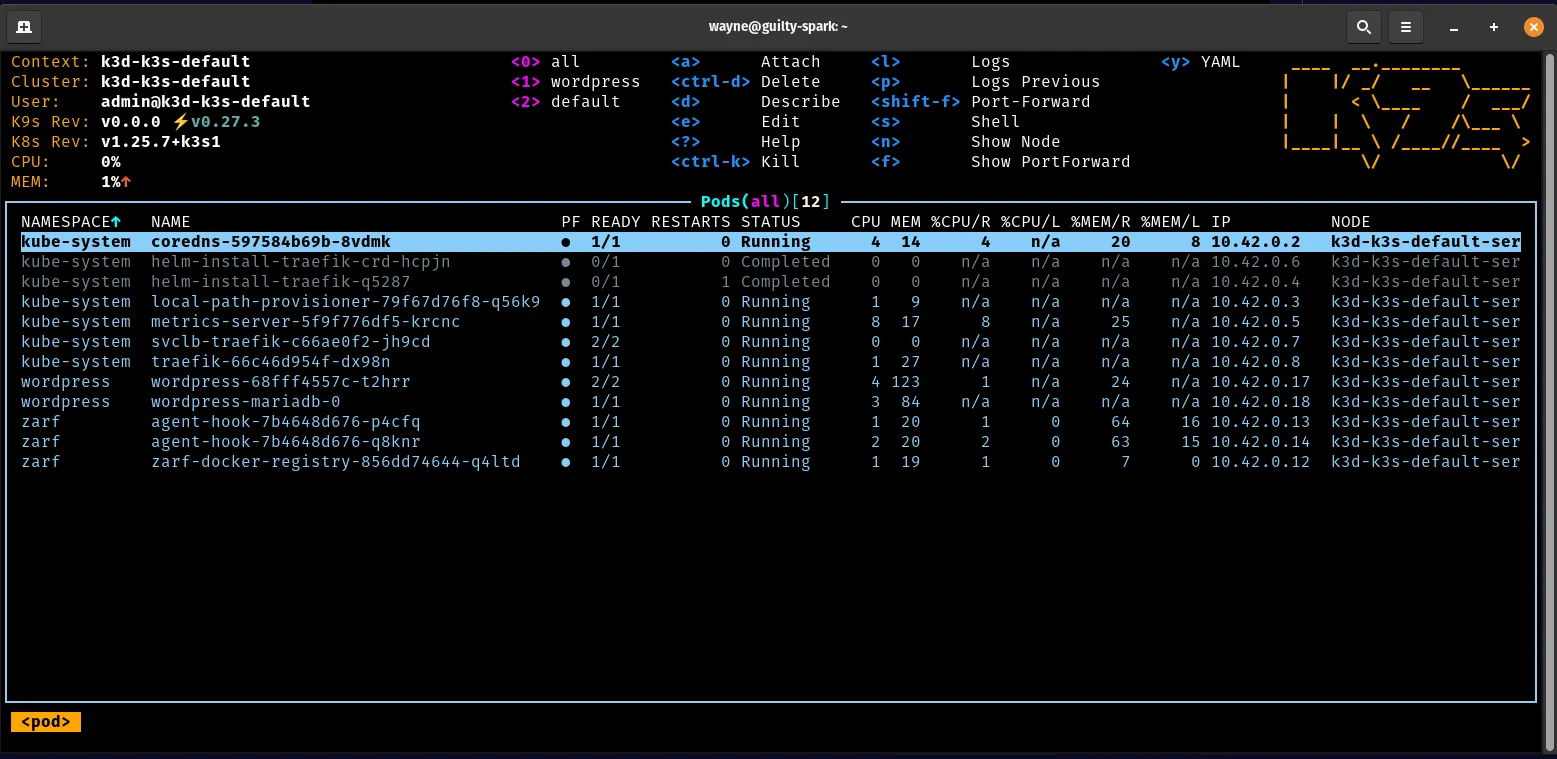
Removal
- Use the
zarf package listcommand to get a list of the installed packages. This will give you the name of the WordPress package to remove it.
- Use the
zarf package removecommand to remove thewordpresspackage. Don’t forget the--confirmflag. Otherwise you’ll receive an error.
- You can also use the
zarf package removecommand with the zarf package file, to remove the package. Again, don’t forget the--confirmflag.
The wordpress package has now been removed from your cluster.